2Q-2026 blog: Video Security and your local church
Why Video Security Matters for Churches and Daycares
Churches are meant to be welcoming places — spaces where families gather, children learn, and communities connect. But with that responsibility comes the need to provide a safe and secure environment for everyone who walks through the doors.
Modern video security systems, including high-quality IP network cameras and Network Video Recorders (NVRs), have become one of the most valuable tools churches can use to protect children, volunteers, staff, and property throughout the week and during Sunday services.
Protecting What Matters Most: Children
For churches that operate weekday daycare programs, child safety is always the top priority. A professionally designed video security system helps create accountability, visibility, and peace of mind for staff and parents alike. Don’t do dummy cameras – more on that below.
Strategically placed cameras can help monitor:
Daycare classrooms
Hallways and entrances
Playground areas
Check-in/check-out stations
Parking lots and exterior doors
This visibility helps administrators quickly review incidents such as:
Accidental injuries
Child pickup disputes
Unauthorized access attempts
Behavioral concerns
Safety policy violations
In many cases, simply knowing cameras are present encourages better adherence to procedures and improves overall operational discipline.
Supporting Safer Sunday Services
Sunday mornings can create unique security challenges for churches:
Large crowds
Multiple unlocked entrances
Busy children’s ministries
Open campuses
Limited volunteer staffing
A high quality camera system gives church leadership and safety teams real-time awareness across the property.
With modern NVR platforms, authorized staff can:
Monitor live camera feeds
Receive motion or intrusion alerts
Review recorded footage quickly
Watch multiple areas simultaneously
Access cameras remotely when appropriate
This becomes especially valuable during:
Children’s ministry check-in/check-out
Special events
Vacation Bible School (VBS)
Weddings and funerals
Evening services and youth programs
Why Commercial-Grade Systems Matter
Not all camera systems are created equal.
Consumer-grade “plug-and-play” camera kits often lack the reliability, image quality, storage capacity, and cybersecurity protections needed for churches and schools.
Commercial-grade systems typically provide:
Upgradeable for future iterations
Better low-light and nighttime performance
Longer recording retention via BYOS – bring your own storage vs limited to their box
Centralized management
User access controls with proper modern IT cybersecurity
Secure remote viewing
High quality support for viewing clients anywhere needed
Powerful AI features that can provide automated, smart monitoring
A professional NVR also stores video locally and reliably, reducing dependence on cloud subscriptions and improving long-term evidence retention.
Liability Protection and Incident Documentation
Unfortunately, churches today face increasing liability concerns ranging from slip-and-fall claims to property damage and allegations involving staff or volunteers.
Video evidence can:
Clarify what actually occurred
Protect innocent staff and volunteers
Assist law enforcement if needed
Reduce false claims
Improve insurance investigations
In many situations, recorded footage resolves questions within minutes rather than days of uncertainty.
Back to dummy cameras – fake camera housings: Dummy cameras, depending on location, can also cause liability issues too. Placing them in view can be a statement that your church is recording. When something happens and these dummy camera ‘recordings’ are requested, your church can have some level of liability for implying security but not having it.
Enhancing Emergency Preparedness
A well-designed camera system can also become part of a broader church safety strategy.
Integrated security systems may support:
Door access control
Visitor management
Alarm systems
Emergency response coordination
Real-time situational awareness
During emergencies, cameras help leadership quickly determine:
Where people are located
Which exits are safe
Whether responders have arrived
What areas need immediate attention
Maintaining a Welcoming Environment
Security should never make a church feel cold or unwelcoming. The goal is not surveillance for its own sake — it is stewardship.
Families want to know:
Their children are protected
Facilities are responsibly managed
Safety concerns are taken seriously
When implemented thoughtfully, modern video security systems quietly support ministry operations while preserving the warm and open atmosphere churches value.
Final Thoughts
Churches and daycare ministries face growing responsibilities in today’s world. A professionally designed video security system is no longer simply a “nice to have” technology — it has become a practical tool for safety, accountability, and operational confidence.
Whether protecting a weekday daycare program or helping oversee busy Sunday services, commercial-quality cameras and NVR systems provide churches with the visibility and reliability needed to better care for their congregation and community.
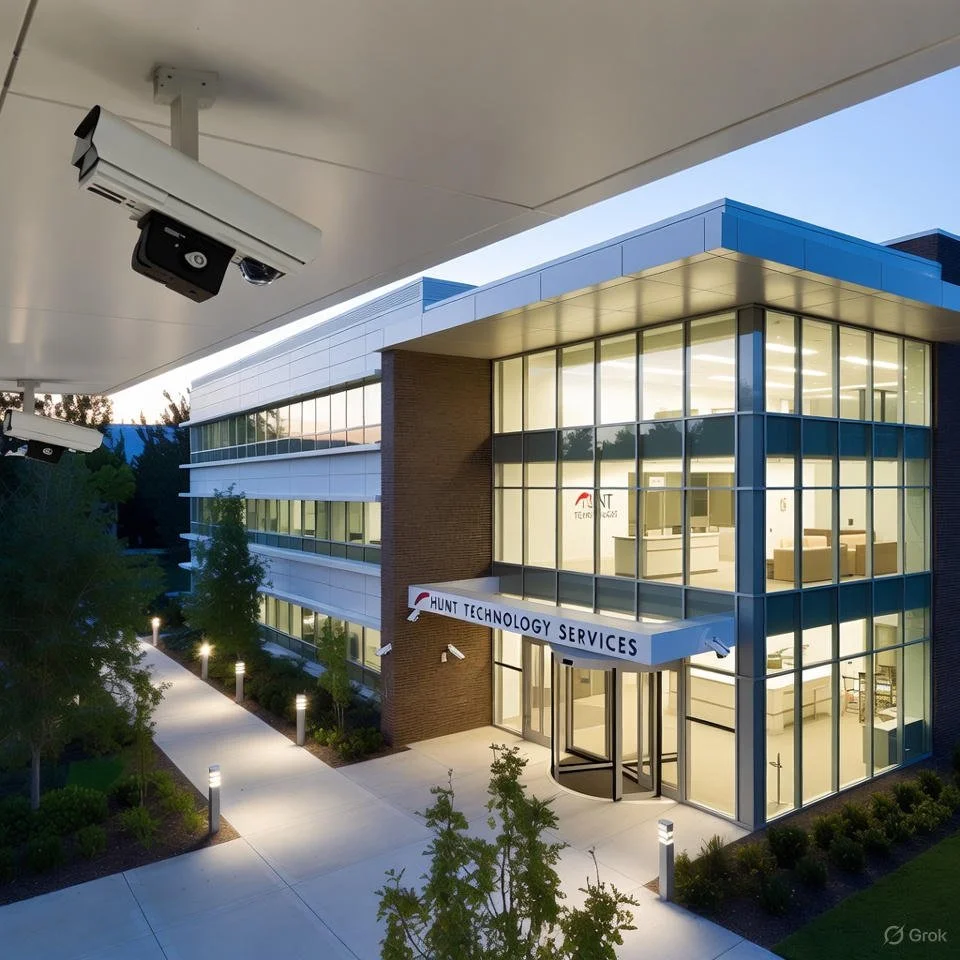
Applying ASIS PSP Best Practices to Modern Physical Security Projects
It All Begins Here
First Quarter - CY26
A Risk-Based, Lifecycle Approach to Protecting Assets
Physical security projects today are more complex than ever. Converged systems, cybersecurity considerations, evolving threat environments, and increased executive scrutiny demand more than equipment selection and installation oversight. They require a structured, risk-based methodology grounded in professional standards.
The ASIS Physical Security Professional (PSP) framework provides that structure. When properly applied, PSP principles transform physical security from a cost center into a defensible, performance-driven risk management function.
1. Start with Risk — Not Hardware
ASIS best practices emphasize that security design must begin with a Threat, Vulnerability, and Risk Assessment (TVRA). Too often, organizations jump directly to specifying cameras, access control, or perimeter systems without fully defining:
Critical assets
Credible threats
Existing vulnerabilities
Operational impact
Consequence severity
A defensible security program aligns protective measures with risk tolerance and organizational objectives. Without this foundation, systems may be overbuilt, underbuilt, or misaligned with mission priorities.
Best Practice:
Document risk assumptions and mitigation strategies before developing design criteria. Executive leadership should understand why controls are being implemented, not just what is being installed.
2. Apply Layered Protection and CPTED Principles
PSP methodology reinforces the importance of defense-in-depth — a layered approach that integrates:
Site design and environmental controls (CPTED)
Perimeter protection
Access control systems
Video surveillance
Detection and delay mechanisms
Response protocols
Layering is not redundancy; it is risk distribution. Each layer should:
Deter
Detect
Delay
Deny / Defeat
Technology should complement architectural and operational controls — not replace them.
Best Practice:
Evaluate how each control supports detection, delay, and response timelines. If a control does not meaningfully impact risk, reconsider its necessity.
3. Design for Integration and Operational Reality
Modern security systems must integrate across:
Access control
Video management systems (VMS)
Intrusion detection
Intercom and emergency communication
Identity management platforms
IT infrastructure
However, integration without operational planning creates complexity without resilience.
PSP-aligned design considers:
User roles and permissions
Incident workflows
Maintenance and lifecycle management
Data retention policies
Cybersecurity alignment
A system is only as strong as the personnel and processes that support it.
Best Practice:
Involve security operators, IT, facilities, and executive stakeholders early in the design phase to ensure operational alignment.
4. Commissioning, Testing, and Performance Verification
One of the most overlooked PSP best practices is performance-based acceptance testing.
Security systems should not be accepted based solely on installation completion. Instead, they should be validated against:
Design intent
Functional specifications
Detection performance
Coverage requirements
Response integration
Commissioning ensures that:
Cameras achieve required fields of view
Access control events log correctly
Alarms generate proper notifications
Failover and redundancy function as intended
Best Practice:
Develop a written commissioning and acceptance plan before installation begins. Tie payment milestones to verified performance.
5. Manage the Security System Lifecycle
Physical security investments are typically 7–10 year cycles. PSP best practice emphasizes lifecycle planning, including:
Technology refresh schedules
Firmware and patch management
Capacity planning
Scalability considerations
Budget forecasting
Without lifecycle management, systems degrade, vulnerabilities increase, and performance suffers.
Best Practice:
Treat security infrastructure as critical enterprise technology — not a one-time capital expense.
6. Documentation and Defensibility
Security programs must be defensible in audits, litigation, and executive review. Documentation should include:
Risk assessment findings
Design criteria
Equipment specifications
Integration diagrams
Test results
Maintenance records
Clear documentation protects the organization and demonstrates due diligence.
Best Practice:
If a decision cannot be explained and documented, it likely was not risk-based.
7. Align Security with Organizational Objectives
Physical security does not exist in isolation. It must support:
Business continuity
Regulatory compliance
Insurance requirements
Employee safety
Brand reputation
PSP best practice positions security as a strategic partner in enterprise risk management — not simply a hardware function.
Conclusion: Professionalizing Physical Security
The ASIS PSP framework elevates physical security from reactive implementation to structured risk management. By applying risk-based analysis, layered design, integration planning, commissioning discipline, and lifecycle oversight, organizations achieve measurable protection of people, property, and mission.
In an era of increasing threats and accountability, professional standards are not optional — they are essential.